Helping an elderly parent who's locked out or forgotten a PIN code
By Sam Lee · Updated 2026-07-06

A situation that comes up more than people expect
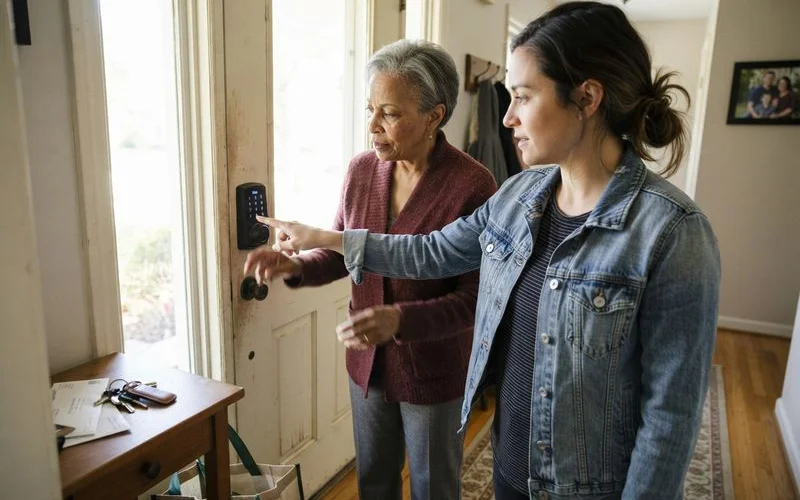
A parent standing outside their own front door, unable to remember a digital lock code or having simply misplaced a key, is one of those moments that’s minor in the scheme of things but genuinely stressful for everyone involved, especially if you’re not there to help in person. It happens more often as digital locks become the default on HDB and condo main doors across Singapore, since a forgotten PIN is a different kind of problem than a lost physical key.
In the moment: what to do first
Stay calm on the phone, and reassure your parent that a solution is a short call away. If it’s a digital lock and the issue seems to be a dead battery rather than a forgotten code, most models have an external battery terminal or a way to jump-start the lock temporarily, worth checking the lock’s manual or the installer’s instructions if you have them. If the issue is a forgotten PIN or a lost key, calling an emergency locksmith is the direct route.
You can often coordinate with the locksmith over the phone even if you’re not physically present, confirming your parent’s identity and address while they wait with your parent on the call or in person. Have your parent’s address, and ideally proof of residence, ready to share, since a legitimate locksmith should confirm this before opening the door.
| Situation | What to try | Who to involve |
|---|---|---|
| Forgotten digital lock PIN | Try backup access method (card, fingerprint) if set up | Emergency locksmith if none work |
| Digital lock battery seems dead | Check for external battery terminal or backup key | Locksmith if unresolved quickly |
| Lost physical key | Check with a family member holding a spare | Emergency locksmith if no spare exists |
| Ongoing confusion with the lock | Consider simplifying the access method | Locksmith experienced with elderly users |
Setting things up so this happens less often
If forgetting a PIN is a recurring issue, it’s worth reconsidering the lock’s setup rather than repeating the same rescue each time. Some digital locks support a fingerprint option, which removes the need to remember anything at all, though this depends on your parent being comfortable with the technology and having a fingerprint the sensor reads reliably. A physical access card kept in one consistent spot, a specific hook by the door, for example, is another lower-friction option than a multi-digit code.
Keeping a mechanical backup key makes sense regardless of which digital method is chosen. Nearly all digital locks include one, and having a copy with a family member or a trusted neighbour nearby means a dead battery or a technical glitch doesn’t turn into a full emergency callout.
It also helps to write down the lock’s basic troubleshooting steps somewhere easy to find, on a note near the door, or saved in your phone, rather than relying on memory during a stressful moment. A simple reminder of which button resets a jammed keypad, or where the backup key is hidden, can turn a potential emergency into a two-minute fix.
When it might be time to simplify
For some elderly parents, a digital lock genuinely adds convenience. For others, it adds a layer of friction that a traditional key never had. There’s no single right answer here, it depends on what your specific parent finds manageable day to day. If digital lock issues are recurring and causing real stress, a conversation with a locksmith experienced in fitting locks for elderly users, and an honest conversation with your parent about what actually works for them, is worth having rather than defaulting to whatever’s currently installed.
These small preparations don’t take long to set up, and they matter far more the day something actually goes wrong than any amount of after-the-fact troubleshooting.
You can browse our full directory homepage to find a locksmith near your parent’s home, and see our scoring methodology for how we evaluate responsiveness and service quality.
FAQ
- My parent keeps forgetting their digital lock PIN. What can help?
- Simplifying to a single, memorable method (a fingerprint if their hands allow it, or a physical card they keep in one consistent spot) is often easier than a PIN code for someone who forgets numbers. Discuss options with a locksmith who's fitted locks for elderly users before.
- Should I have a spare key even though my parent has a digital lock?
- Yes. Almost every digital lock has a mechanical backup key option, and keeping one with a family member or trusted neighbour is a sensible safety net for exactly this situation, a dead battery or a forgotten code.
- Can I call a locksmith on my parent's behalf if I'm not there?
- Yes, most locksmiths can coordinate over the phone with a family member while confirming identity with the person present. Have your parent's address and, if possible, some form of ID or proof of residence ready to speed things up.
- Is it worth switching an elderly parent back to a simple key lock?
- For some households, yes, particularly if the digital lock is causing more frustration than convenience. It's a personal decision based on what your parent finds easiest, not a one-size-fits-all answer.